CapCut
AI-powered video editor to create high-quality visual content

Safe & Secure
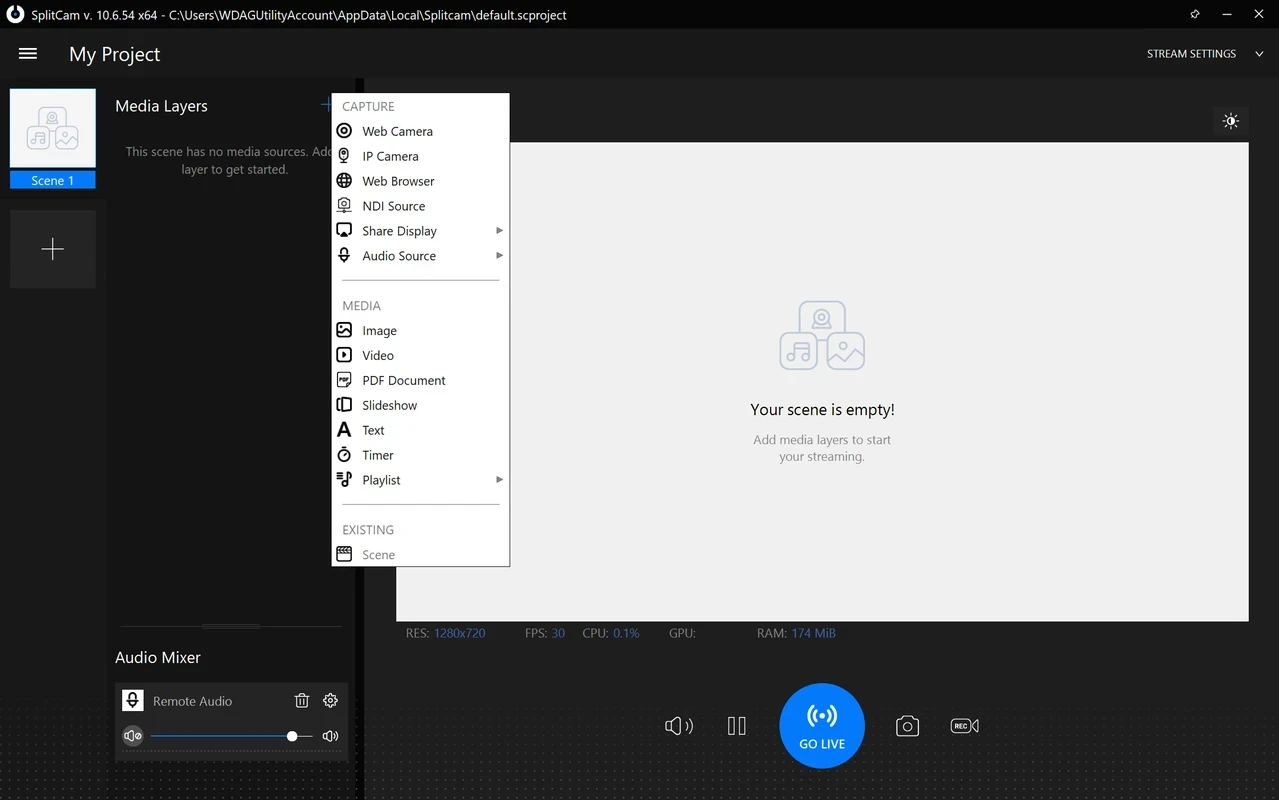
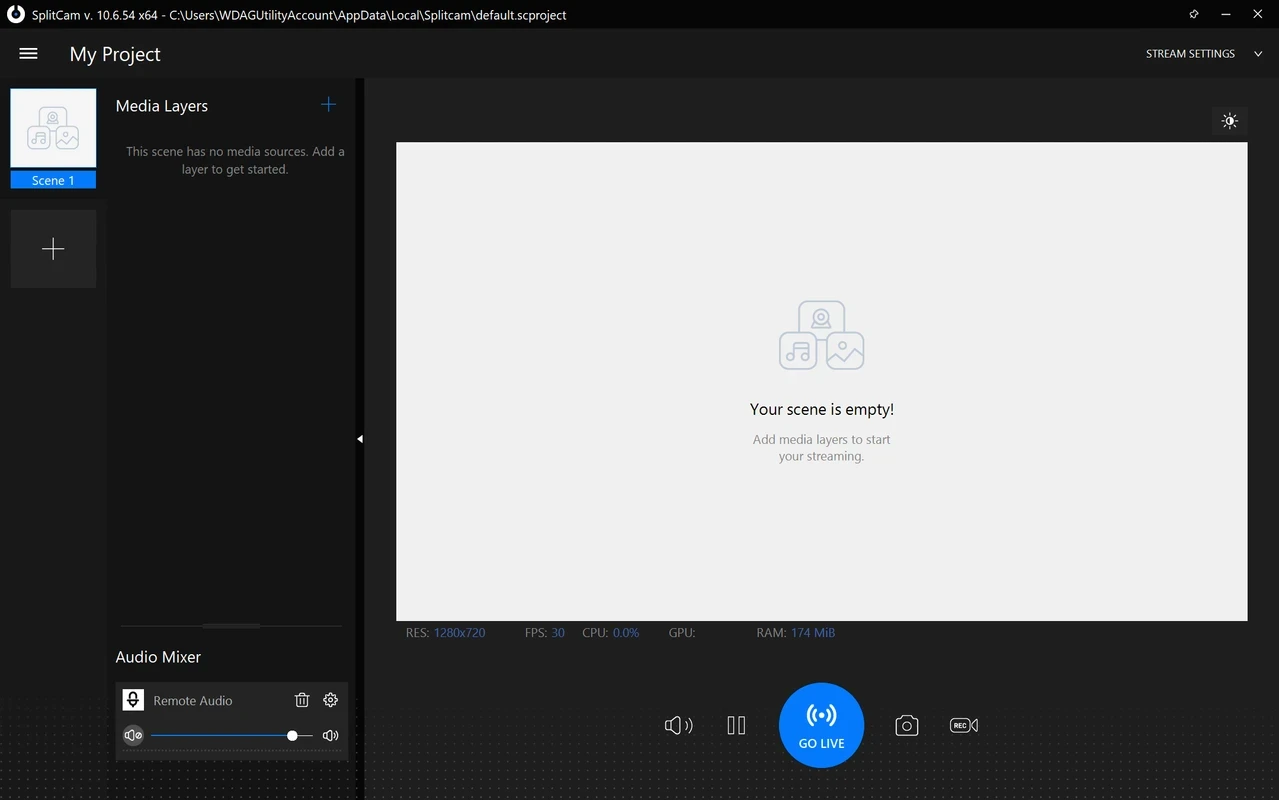
SplitCam is a freeware web camera used for connecting various applications to an exclusive video capturing utility, working as a virtual clone and split video capture driver. You can connect your web camera of any model with a video camera, regardless of whether it is analogue or digital, such as VHS, DV, TV-IN, or TV-tuner. The industry-standard call quality is an important functionality to enable users to reliably talk with their friends, family, and for other business matters.
The powerful utility allows users to connect it to multiple messaging as well as video-conferencing applications, including Zoom, Yahoo Messenger, Skype, and ICQ, and run it across multiple applications simultaneously.
SplitCam, developed by Splitcamsoft, falls under the Video Software category and is a comprehensive freeware application. It broadcasts live content on multiple streaming platforms, making the streams unique and stunning with the help of multiple customization options.
The app, embedded with a lot of 3D masks and effects, proves a suitable utility in different scenarios, such as personal conference calls, business calls, or live streaming. It makes it possible to add different audio sources, including the microphone, system sound, and the sound of any specific app.
The app is capable of running on multiple applications simultaneously, and supports a huge variety of streaming platforms, such as Twitch, YouTube, and Facebook Live.
If you don’t find your desired broadcasting platform, it is possible to manually add it using the URL and stream key, and click on Start Live. It also enables users to create their own preset for broadcasting content. You only need to select the resolution, video codec, audio codec, bit rate, and so on. It also offers a screen-capturing option for taking screenshots, saving entire content, and watching it later pre-recorded.
The zoom feature is available through keyboard shortcuts and mouse gestures. It helps to stream only the required part when you use the recorder with streaming services. Moreover, the app doesn’t require any additional professional software; instead, it offers small features for recording videos and also offers direct uploading of your recorded videos to YouTube within a few clicks.
The addition of special effects can help to enhance the quality of your videos, as it helps to deliver a clear picture through improved resolution, whether it is a video call, displaying a product, or presenting a presentation. It allows you to add filters, backgrounds, face items, frames, and avatars to your streaming and get impressive results.
It also supports a 3D masking facility, allowing you to mask any body part, such as putting a virtual elephant on your head or putting another animal head on your shoulders, giving the impression of your real head movements. Moreover, adding static elements for placing banners is also possible by selecting between images, videos, PDF documents, slideshows, texts, timers, backgrounds, or playlists.
It is another significant feature, as it helps to enhance video monetization. When you create a video using the language of your region can help to make it more understandable for your audience. It is the best solution for the live streaming feature. The supported languages are Russian, Japanese, Arabic, Turkish, Persian, Hungarian, and Portuguese.
It is an exclusive feature offered by the app, as it splits the video facility to multiple programs. So, you will capable of using the app for multiple applications simultaneously. Similar to other such programs like OBS Studio, here you will not find the “webcam busy” error, as the efficient program processes successfully without any hesitation.
Pros
Cons

AI-powered video editor to create high-quality visual content

Get optimized converted multimedia files with Format Factory

Green Convert is a free video converter to offers a quick conversion and editing videos with support for limitless formats
Free Cam, capture, record, and edit videos to upload directly on YouTube

VLC supports multiple audio/video formats to play your multimedia.

Streamlabs OBS is a offer you online and offline broadcasting.